
Recipes and crafting
Business recipes in Eleven Comercios for FiveM: create them in the panel, pick which businesses cook them, ovens per level, batches, speeding up and collecting.
Businesses cook or craft their products at the crafting points on their premises. Recipes are created by an admin in the panel, who picks which businesses cook them.
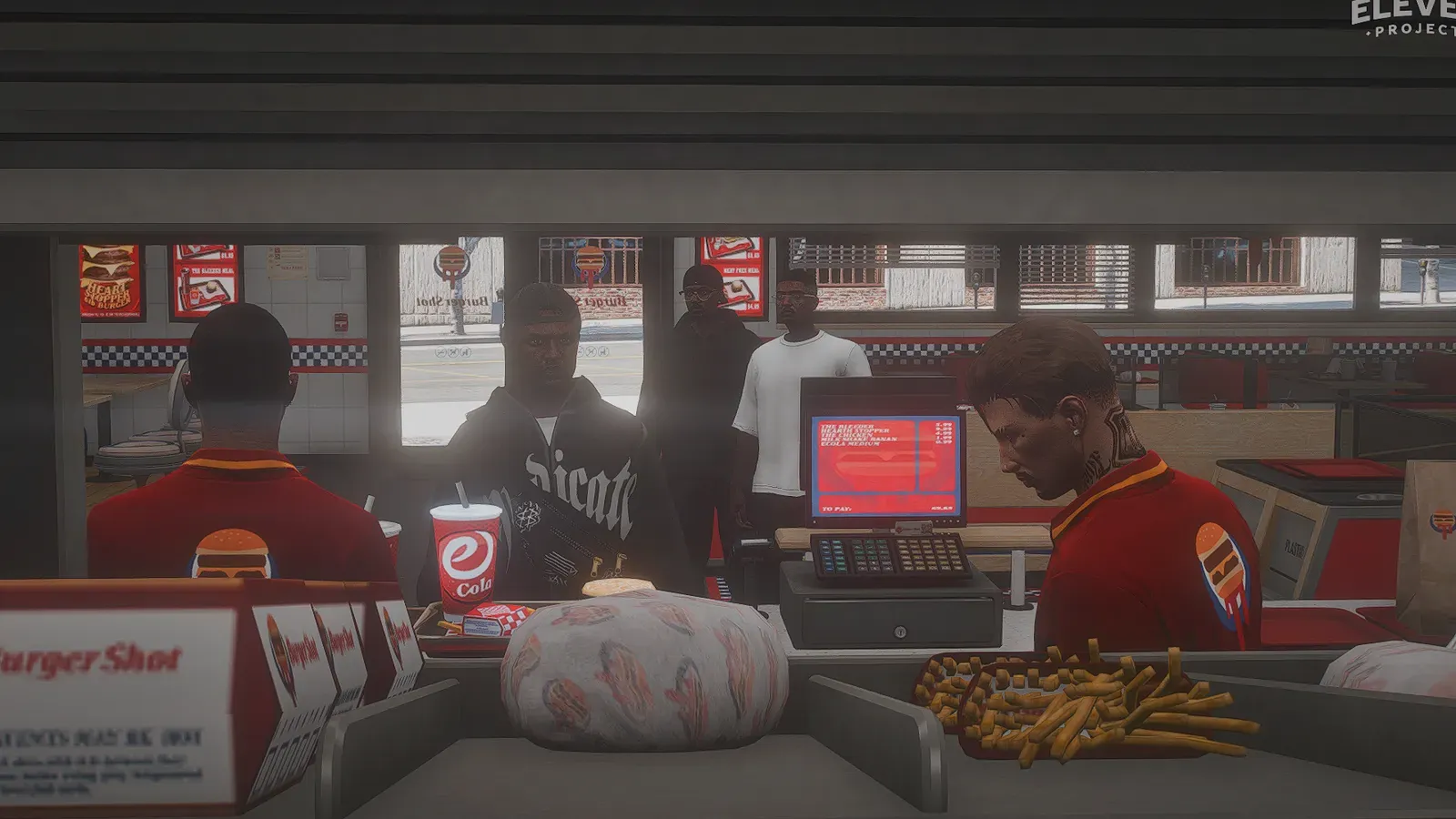
Creating a recipe
In /comerciosadmin, go to Catalogs → Recipes, press New recipe and pick one or more businesses:
| Field | What it does |
|---|---|
| Key | Recipe ID (lowercase letters, numbers and underscores). It's filled in from the name and links the recipe across all its businesses. |
| Name and description | What the employee sees in the kitchen. |
| Result item and amount | What gets made and how many units each single batch gives. |
| Materials | Items and amounts consumed per unit. |
| Duration | Seconds each unit takes. |
| Mini-game | Whether the recipe has a mini-game. |
| Animation | Dictionary, clip and flag of the character animation. |
| Active | Switch it off to retire it without deleting it. |
The ingredients in the package (c_milk, c_burger, c_tomato…) are meant for these recipes: see Inventory items. You can also use any other item in your ox_inventory.
To give an existing recipe to another business, edit it and add the business, or open the business under Businesses and use the Crafting tab on its page, where you can also switch each recipe on or off. If you edit recipes straight in the database, reload them without a restart with reloadcraftrecipes (console or admin).
Note
The package ships no sample recipes. You create them. The sample wholesale catalog does sell the package's ingredients.
Ovens per level
Each crafting point is an oven that cooks one recipe at a time. How many points a business can place depends on its level: Config.Crafting.Base at the first level and PerLevel more per level (1, 2, 3, 4… by default).
From the tablet you can choose which recipes appear at each point. If none are chosen, every recipe of the business shows up.
Cooking
- Go on duty and use Open crafting at the point.
- Pick the recipe and the quantity (up to 10 per batch).
- Materials are taken from your inventory when you press Craft.
- The oven finishes the units one by one. It keeps cooking even if you walk away or log out.
- Come back and press Collect to take whatever is ready.
Oven buttons:
- Speed up: a mini-game where you press SPACE in the green zone. Hit it and one unit finishes on the spot.
- Stop all: gives you what's already done and returns the materials for the rest.
Note
Premises crafting doesn't work during a blackout. The food truck kitchen does, because it has its own power.