
Orders and payments
Orders in Eleven Comercios for FiveM and Qbox: kanban board, receipts, cash, card terminal, refunds, taxi fares, the pick-up counter and the NPC seller.
The orders board
The Orders tab shows every order of the business on a kanban board. The default columns are New, In preparation and Delivered (created in the Config.Locale language the first time the tablet is opened). Orders are dragged from one column to the next (edit_orders permission).
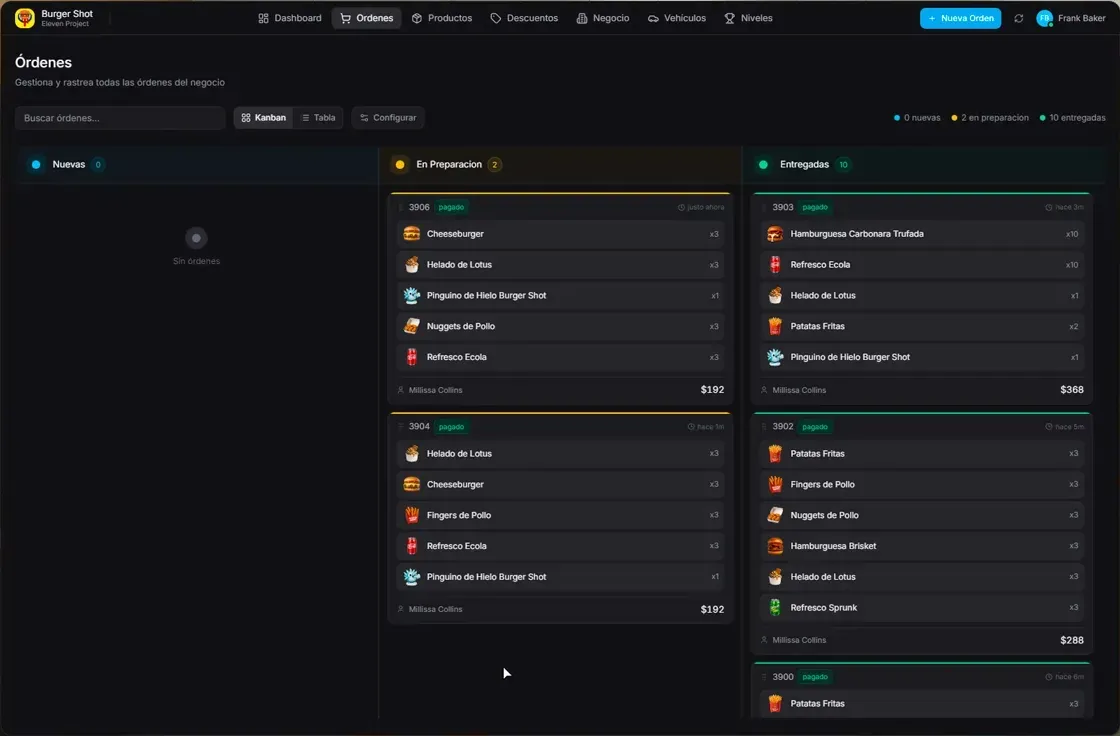
- Kanban / Table. Switch between the board and a searchable table.
- Configure. Rename, recolor, add or remove columns (up to four).
- Each card shows the order number, whether it's paid, the products, the employee and the total.
Creating an order
Press New order (create_orders permission):
- Add products and services from the menu.
- Type the customer's name.
- If they have a deal, pick it: the discount is applied automatically.
- Choose the payment method.
The server recalculates the total from the real menu prices and the stored discount. Whatever the interface sends doesn't count.
Payment methods
| Method | How it's charged |
|---|---|
| Cash | The customer pays in hand. The employee marks the order as paid on the tablet or on the receipt. |
| Card | The order stays pending. The customer walks to the premises' card terminal, picks their order and pays from their bank. The money goes into the business account. |
| Card to a nearby customer | You type the ID of a player standing next to you and the card terminal pops up on their screen so they can pay right away. |
Card payments always go to the business's company account.
Note
With eleven-banking, the customer needs to carry a bank card to pay by card. Without that resource it isn't checked.
Refunds
With the refund_orders permission, open the receipt of an order charged by card terminal and press Refund the customer. Write a reason and confirm:
- The money comes out of the business account and goes back to the account the customer paid from.
- Each order can only be refunded once, and it's marked REFUNDED.
- It only works within
Config.Refunds.Daysdays of the payment (7 by default).
Cash orders can't be refunded from the tablet. Paid invoices can, if your server has an invoicing resource with a business_invoices table.
Taxi fares
If the business job is the one in Config.TaxiJob (taxi by default), a taximeter script can open the tablet's Taxi fare screen with the ride amount and distance. From there the driver charges in cash or sends the card terminal to the passenger. See Exports.
Card terminal
The Card terminal point is the premises' payment terminal. The customer walks up, picks their pending card order and pays. If the premises lose power because of an electrical fault, the terminal stops working until it's repaired (see Maintenance and blackouts).
Counter and pick-up
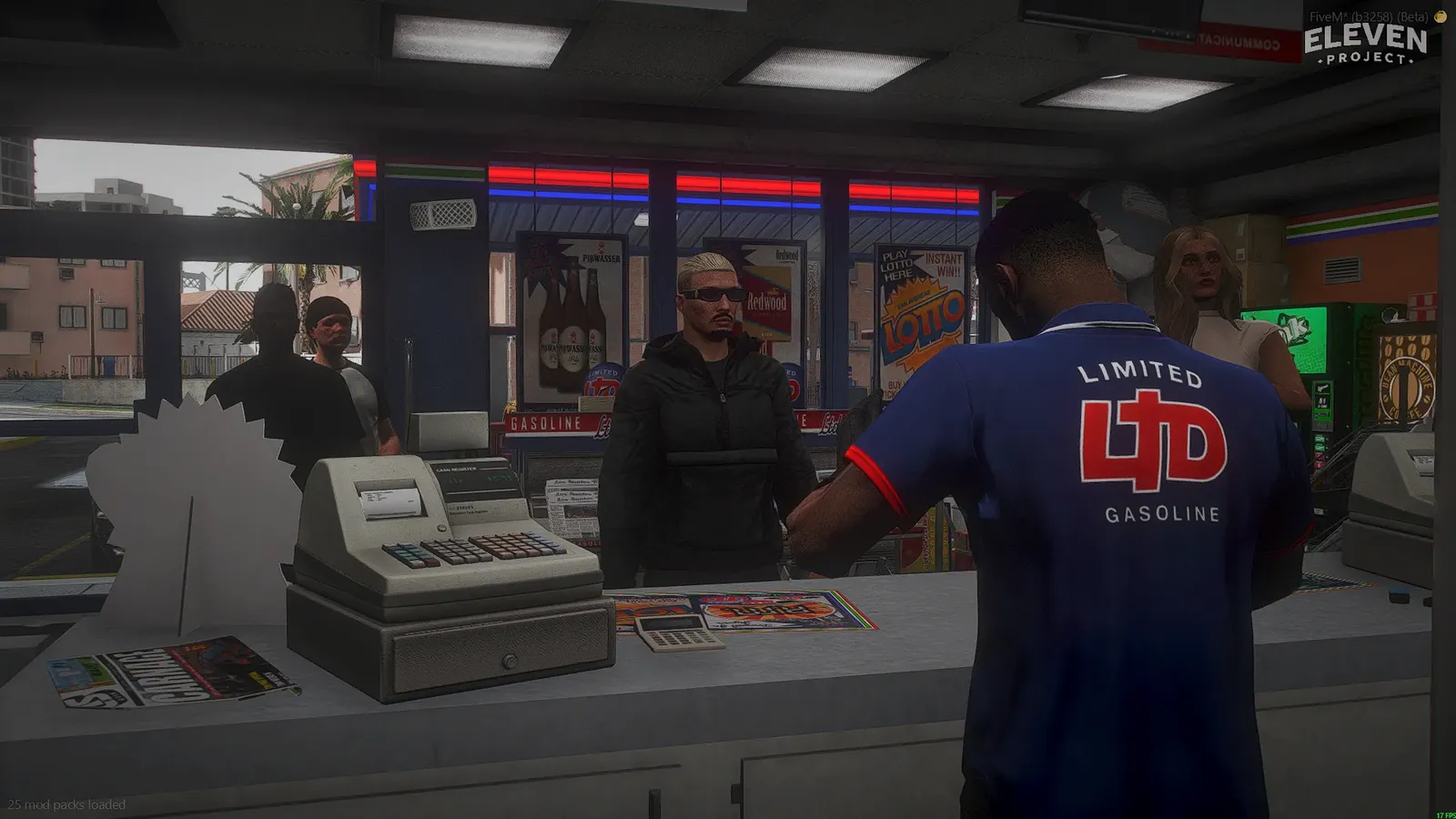
The Counter point is a small inventory on the counter. The employee leaves the order there and the customer picks it up. A business can have up to two counters.
When something is inside, a prop can show up on top (a bag, a tray…). Props are set up from the panel, on the business page (World tab → Register).
NPC seller
The NPC Seller point places a shop assistant that sells the menu to any player, whether or not employees are online:
- It only sells products flagged for the NPC, at the NPC price you set (or the normal price if you leave it empty).
- Stock comes from the business storages.
- The customer pays from their bank and the money goes to the business account.
- Anyone with the
manage_puntospermission switches it on or off from the tablet and can change the character model.
Tip
If you don't want the shop to keep selling while nobody is around, switch the NPC off before you log out.
A dirty shop sells for less: with cleanliness at its lowest, the NPC charges down to Config.Maintenance.MinCleanlinessFactor of the price (75 % by default).