
Cuffing, frisking and escort
Eleven Police Arrests package for FiveM: cuffing behind, in front or forced, frisking, escorting, seating in and out of vehicles and the lockpick alert.
What it brings
| Module | Flag | Items |
|---|---|---|
| Cuffing, frisking, escorting and vehicles | interacciones | handcuffs |
| Lockpick alert | forzarPuertas | — |
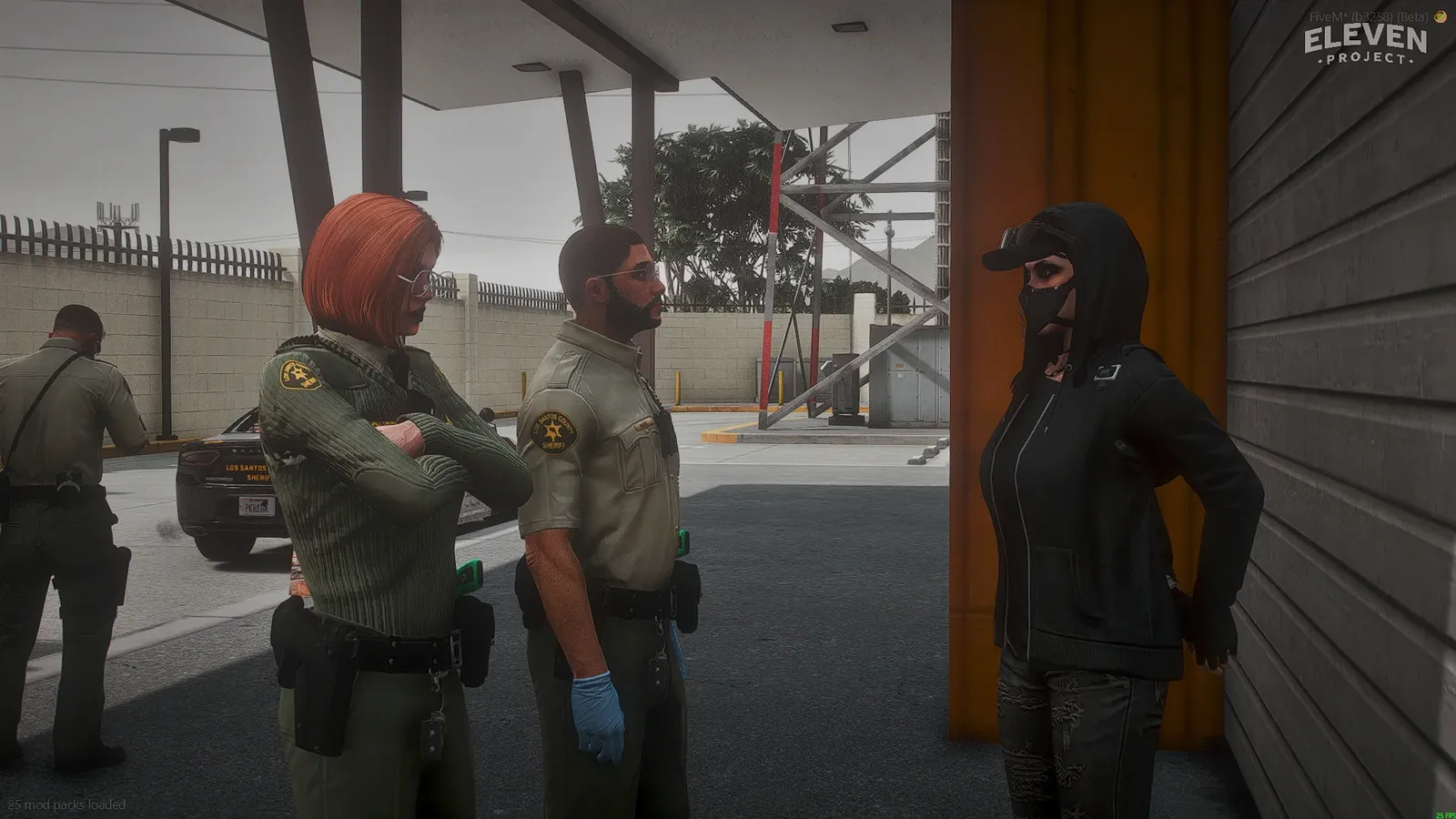
Everything is done with ox_target, no commands, and the server validates all of it. Police options are only shown to on-duty police (jobs in Config.PoliceJobNames or of type leo).
Cuffing
Aiming at a player with ox_target:
| Option | What it does |
|---|---|
| Cuff from behind | Hands behind the back; the suspect can walk |
| Cuff in front | Hands in front, with the eleven-police-assets animation |
| Cuff by force | Behind, with an arm lock |
| Move cuffs to the front / back | Switches mode without removing them |
| Uncuff | Removes them and gives the item back to the officer |
- The
handcuffsitem is needed: it is used up when cuffing and given back when uncuffing. To cuff without an item:Config.Overrides = { ['Interaction.CuffItem'] = false }. - The suspect can try to break free with a minigame. If they fail, or do not respond within 20 s, they stay cuffed. The same character has to wait 5 minutes between attempts (
Interaction.EscapeCooldown), enforced by the server. - If they are in a vehicle, they are pulled out and cuffed, as long as the vehicle is moving slowly.
- Without
eleven-police-assets, front cuffing uses the standard GTA animation. - The state is saved on the character: if they disconnect while cuffed, they come back cuffed.
Frisking
Search opens the other player's ox_inventory. Only allowed if they are cuffed, have their hands up or are unconscious, and you are next to them.
Escorting
On a cuffed suspect, Escort holds them in front of the officer; Stop escorting lets go. It also lets go automatically if the officer gets into a vehicle, falls or dies, when the cuffs come off, when the suspect is put in a vehicle and if either of them disconnects. No item needed.
Putting in and taking out of a vehicle
- Put in vehicle: on the cuffed suspect (nearest vehicle) or on the vehicle while you escort them. It is a teleport to the first free rear seat, no animation.
- Take suspect out of vehicle: on the vehicle. They get out on their side, also without animation.
The server checks that the officer is on duty, that the suspect is cuffed, the distances and that the vehicle is stopped. If there is no free rear seat, the officer is told.
Seats are tried in the order of Interaction.PreferSeats (default { 1, 2 }, the two rear seats) and then any other rear seat. Add 0 at the end to use the front passenger seat when no rear seat is left.
Settings
In config/interactions.lua; change them with Config.Overrides:
| Key | Default | What it is |
|---|---|---|
Interaction.CuffItem | 'handcuffs' | Item needed to cuff. false = no item |
Interaction.MaxDistance | 2.2 | Metres to the suspect to cuff, escort or seat them |
Interaction.VehicleRadius | 6.0 | Metres to the vehicle to put in or take out |
Interaction.PreferSeats | { 1, 2 } | Seat order (-1 driver, 0 front passenger, 1 and 2 rear) |
Interaction.EscapeCooldown | 300 | Seconds between escape attempts |
Interaction.SelfUncuffCommand | 'uncuffme' | Staff command to remove your own cuffs. false = no command |
Interaction.SelfUncuffAce | 'group.admin' | ACE that allows that command |
There are also the animations (Anims, CuffIdle), the handcuffs prop position (CuffsPropOffset) and the suspect's position when escorted (EscortOffset).
For your resources: isCuffed
The server publishes on each player's statebag whether they are cuffed. Use it to block your phone, your inventory or anything else:
-- server
Player(src).state.isCuffed    -- true while cuffed
Player(src).state.cuffFront   -- true if cuffed in front

-- client
LocalPlayer.state.isCuffed
Only the server writes it: if a client changes it, it is restored. See Exports and hooks.
Lockpick alert
When someone tries to break into a car, dispatch gets a Code 37 call with the model, plate and street. It is not automatic: the alert only arrives if your keys or lockpick resource fires this event on every attempt (successful or not). If your resource does not fire it, there is no alert:
-- in your keys resource's client
local model = GetLabelText(GetDisplayNameFromVehicleModel(GetEntityModel(vehicle)))
local plate = GetVehicleNumberPlateText(vehicle)
TriggerServerEvent('eleven_police:police:server:intentoForzarVehiculo',
    { model = model, plate = plate }, GetEntityCoords(vehicle))
The first parameter can be:
- The
{ model, plate }table, as above: the server builds the text in the server language. - A ready-made text, still followed by the coordinates. That is what, for example, a
qbx_vehiclekeyswith the call added sends:
TriggerServerEvent('eleven_police:police:server:intentoForzarVehiculo',
    'Attempted theft of a Sultan (ABC123)', GetEntityCoords(vehicle))
Either way the server cleans the text (no ^n colours, no <>), cuts it to 200 characters, resolves the street name and allows at most one alert every 15 seconds per player. If the coordinates are more than 100 m from the player, it uses the player's. The example is also in the header of your config.lua.
It needs the tablet dispatch turned on. See Dispatch.