
Installation
Install Eleven Cable Car on FiveM: ox_lib, how to enable OneSync, server.cfg, a full server restart, maps that change the stations and how to update.
How to install Eleven Cable Car, the Mount Chiliad cable car for FiveM, on any server. If you don't have it yet, it's in the store.
Requirements
| Resource | What for |
|---|---|
ox_lib | Notifications, key prompt and translations |
| OneSync | The shared network clock that keeps the cabins in sync. It's required: without OneSync the resource doesn't start |
| Qbox, QBCore or ESX (optional) | Knowing if a player is downed so they are not seated |
Downed-player detection is tested on Qbox. The QBCore and ESX bridges are included, but they haven't been tested on a live server yet. Without a framework, every passenger is seated.
Enable OneSync
The fxmanifest.lua requires OneSync. If your server doesn't have it, add this line to server.cfg (or turn it on in the OneSync setting of txAdmin or your host):
set onesync on
After purchase, the resource shows up in your Cfx.re Keymaster account as eleven-teleferico.
Tip
First time with an escrowed script? The general guide Install with Keymaster covers the download, the server license key and escrow step by step.
Step-by-step install
1. Copy the resource
Download eleven-teleferico from Keymaster and copy the folder into resources. Don't rename it.
2. Add it to server.cfg
Put it after ox_lib (and your framework, if you use one):
ensure ox_lib
ensure eleven-teleferico
3. Restart the whole server
Warning
Do not restart this resource while players are connected. It streams custom models (stream/). Restarting it live (restart or ensure, txAdmin, or copying files over stream/ with the server running) can crash clients or leave them stuck loading. Always install and update with a full server restart.
4. Test it
Go to the Pala Springs station or the Mount Chiliad summit: you'll see the cabins moving and the blip on the map. Walk in while the doors are open and press E to leave right away.
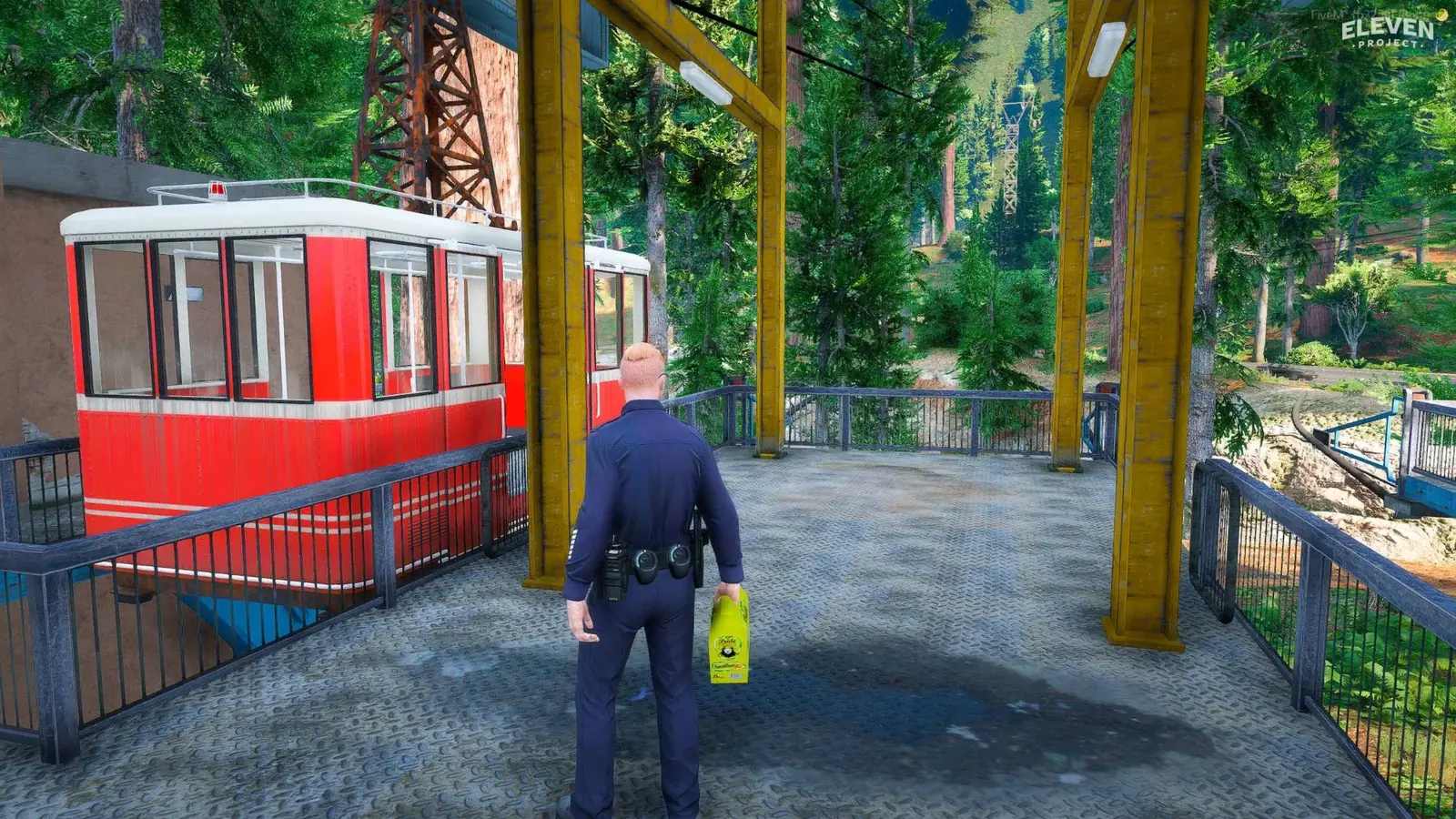
If you can't see the cabins, open the client console (F8). If it says model not registered, see Troubleshooting.
Compatibility with maps and other scripts
- Maps that change the Mount Chiliad stations: if a map edits the summit station, the cabin may sit above or below the platform. Adjust
Config.SummitDrop.zinconfig.lua(see Configuration). The bottom station is not touched. - Another cable car script: don't run it together with another Mount Chiliad cable car script. The cabins would overlap.
- Another copy of
eleven-teleferico: keep only one folder. Two resources with the same models causeDuplicate Archetype.
Optional settings
- Language:
Config.Locale = 'es'inconfig.lua. - Framework: detected automatically by default (
'auto'). See Configuration. - Blips:
Config.Blips = falseif you don't want map icons.
Updating
- Download the new version from Keymaster.
- Keep a copy of your
config.luaand translations if you changed them. - With the server off, replace the folder and put your changes back.
- Start the server.
Something wrong? See Troubleshooting.