Department management: roster, ranks, divisions
Department management in Eleven Police MDT for FiveM: roster, badges, ranks and divisions, licenses, armory stock, shop, time clock and bodycams.
Departments and grades
One job can hold several departments. Config.Departments splits the job's grades into ranges, which decide each officer's department: that separates their agreements, suspensions, radio channel and dispatch column.
By default there is one example department:
Config.Departments = {
    {
        id = 'pd', label = 'PD', name = 'Police Department',
        image = '/public/logos/headerLogo.webp',
        badgeItem = 'police_badge',
        jobName = 'police', firstGrade = 0, lastGrade = 4,
    },
}
For a second department (another job or another grade range), copy the entry. extraGrades accepts single grades outside the range. Grade names come from your framework.
Officers
The Officers section is the roster: who is there, with which rank, division and callsign. From there you hire, fire, promote and suspend, each with its own permission (officers.*).
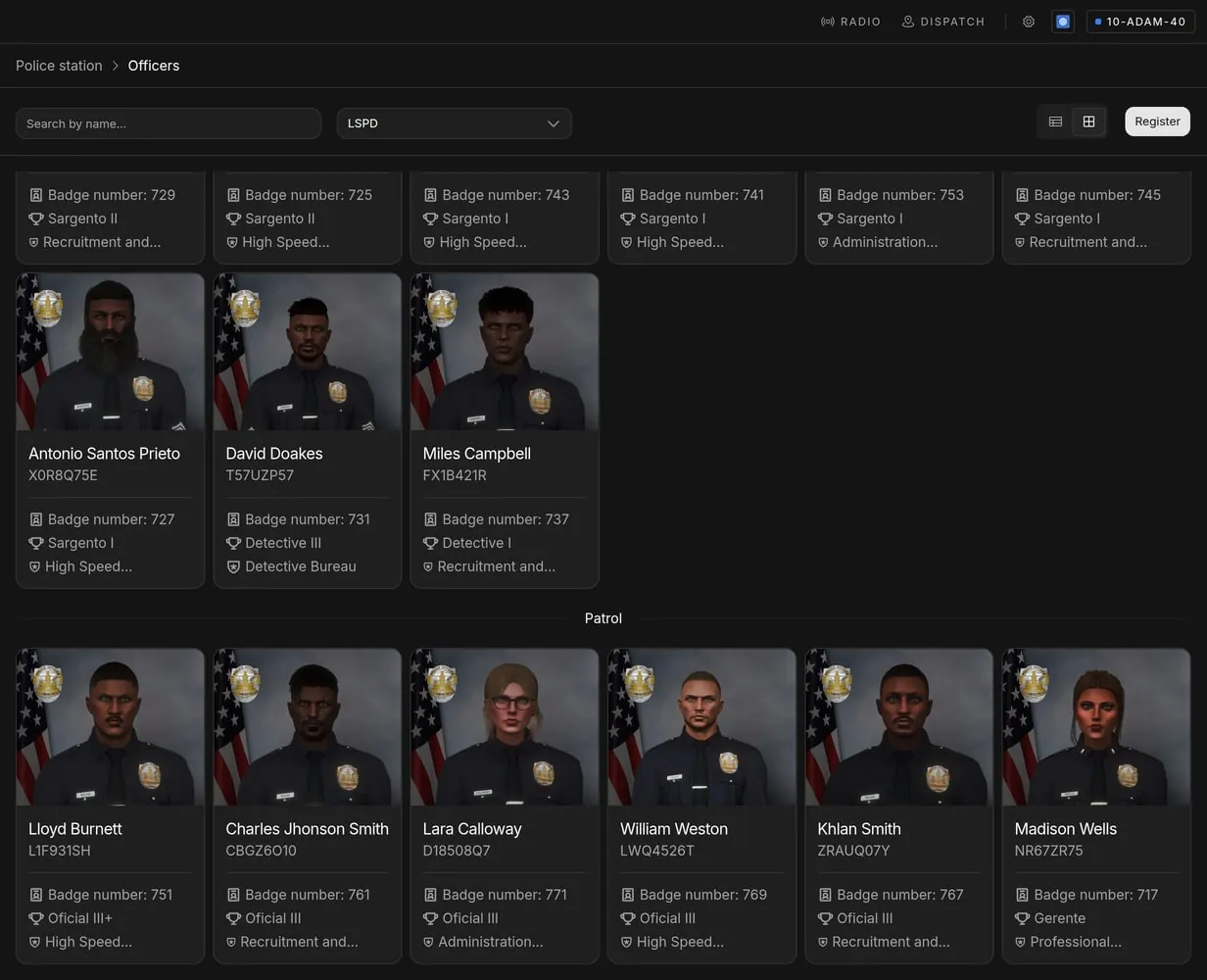
With officerDetail, each officer has a file: details, divisions, internal licences, decorations, contracts and badge photo. The photo can be taken in the photo studio.
Badges
On hiring or a rank change, the badge (the department's badgeItem) goes to the officer doing the hiring, who hands it over in person. By default the badge is engraved with the exact grade. With badgeTiers and Config.BadgeTiers, several grades share a badge, and moving to another tier removes the previous one:
Config.BadgeTiers = {
    pd = {
        { id = 'officer', label = 'Officer', grades = { 0, 1 } },
        { id = 'command', label = 'Command', grades = { 2, 3, 4 } },
    },
}
Divisions
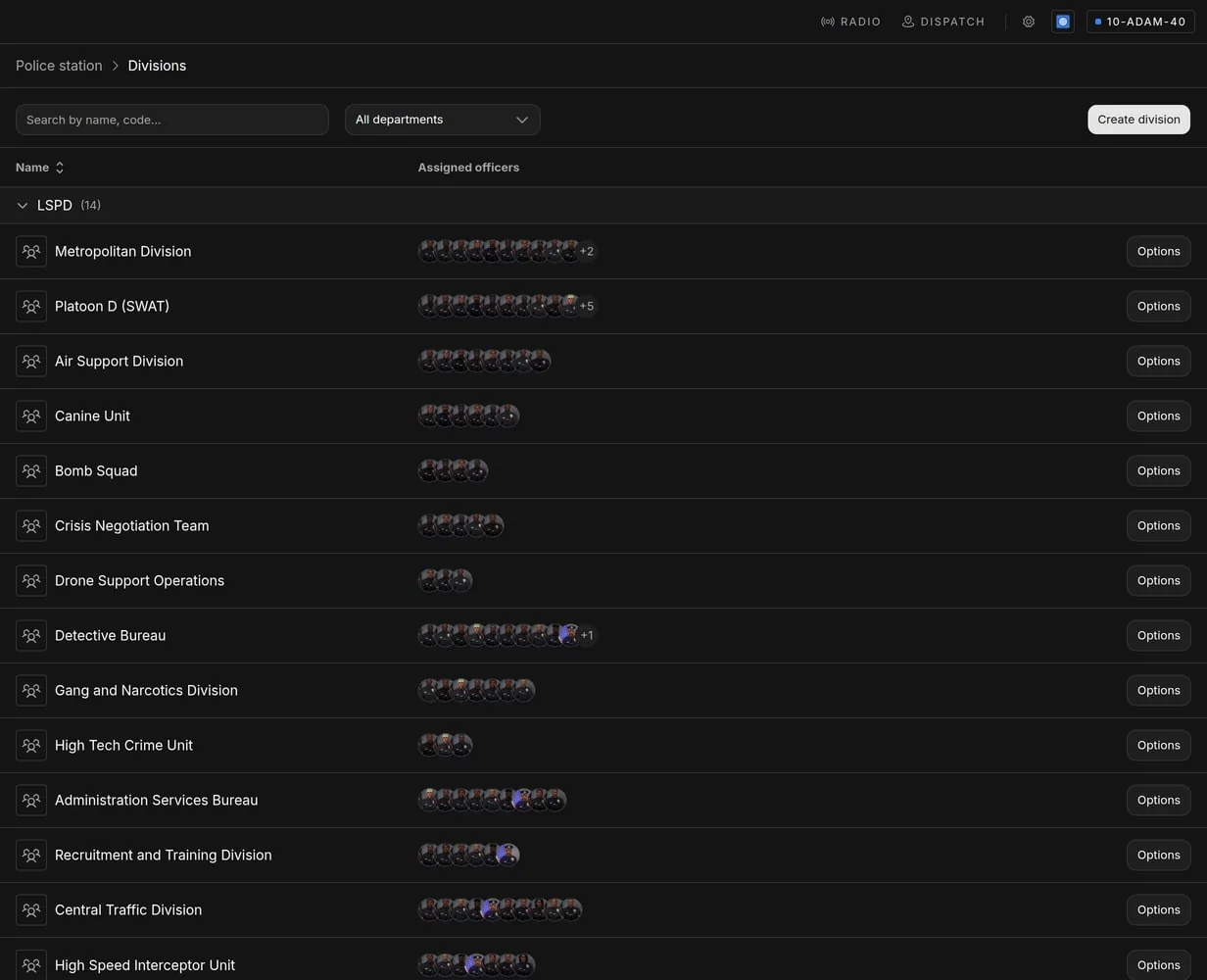
With divisiones you create internal units (traffic, investigations, air…) with a name and logo, and assign officers to them. They are managed from the tablet (divisions.create, divisions.edit, divisions.delete).
Internal licences
With licencias, the training record: who has the driving course, marksman, negotiator… You build the catalogue and grant them per officer. They grant no permissions on their own: they are the paperwork a command officer checks.
Warehouse
almacen shows what is inside the station stashes. The tablet does not create stashes: your server registers them with ox_inventory's RegisterStash. You only tell it which ones to show, per department:
-- 1. Where you already register the stash
exports.ox_inventory:RegisterStash('armoury_pd', 'Armoury', 50, 100000)

-- 2. In your config.lua, with the SAME id
Config.Stashes = {
    pd = {
        { id = 'armoury_pd', label = 'Armoury' },
    },
}
It is empty by default, so the section has nothing to open until you fill it in.
Station shop
Equipment is ordered from the tablet or from the station NPC. By default it goes through approval:
- The officer requests. Nothing is charged yet.
- A command officer with
shop.approveaccepts or rejects. - On accepting, they choose who pays: the station or the officer.
Payment happens in step 3, never before.
What is on sale is decided by a command officer from the tablet (Shop → Manage catalogue, shop.manage). The articles and their prices come from Config.Shop.Items, which by default only has standard ox_inventory items (weapons, ammo, attachments, vest, bandages, parachute) and the tablet. Weapons and ammo always get a serial number. Part of the catalogue (long guns, extra ammo, medical) ships off sale until command publishes it.
To add articles from other resources or change prices, copy the whole Items list from config/shop.lua into Config.Overrides and edit it there (a list is replaced as a whole):
Config.Overrides = {
    ['Config.Shop.Items'] = {
        -- …the list from config/shop.lua, plus your articles:
        { name = 'handcuffs', label = 'Handcuffs', price = 150, icon = 'handcuffs', category = 'equipo', defaultQty = 1 },
    },
}
| Setting | How to change it |
|---|---|
| No prior approval | Config.Overrides = { ['Config.Shop.Approval.Enabled'] = false } |
| Job allowed to buy | ['Config.Shop.JobName'] = 'police' |
| NPC position and model | ['Config.Shop.Npc'] = { model = '…', coords = { vec4(…) } } |
Agreements
An agreement is a deal with a business: the police pay a recurring fee and the business offers benefits, while the department takes on some obligations. The fee is charged automatically; benefits and obligations are the text of the deal, not a mechanic. Config.ConvenioVentajas and Config.ConvenioObligaciones are suggestions added with one click.
You declare who can sign in Config.ConvenioFacciones (empty by default):
Config.ConvenioFacciones = {
    { key = 'mechanics', label = 'Mechanics', account = 'job:mechanic' },
    { key = 'ems', label = 'Medical service', account = 'job:ambulance' },
}
| Field | |
|---|---|
key | Required. Internal id; do not change it later, it is stored in every agreement |
account | Required. Account that receives the fee, prefixed with job: for a job's society |
label | Display name |
image | Logo, optional |
An entry without key or account is discarded. If the account does not exist when the fee is due, the payment is postponed.
Time record
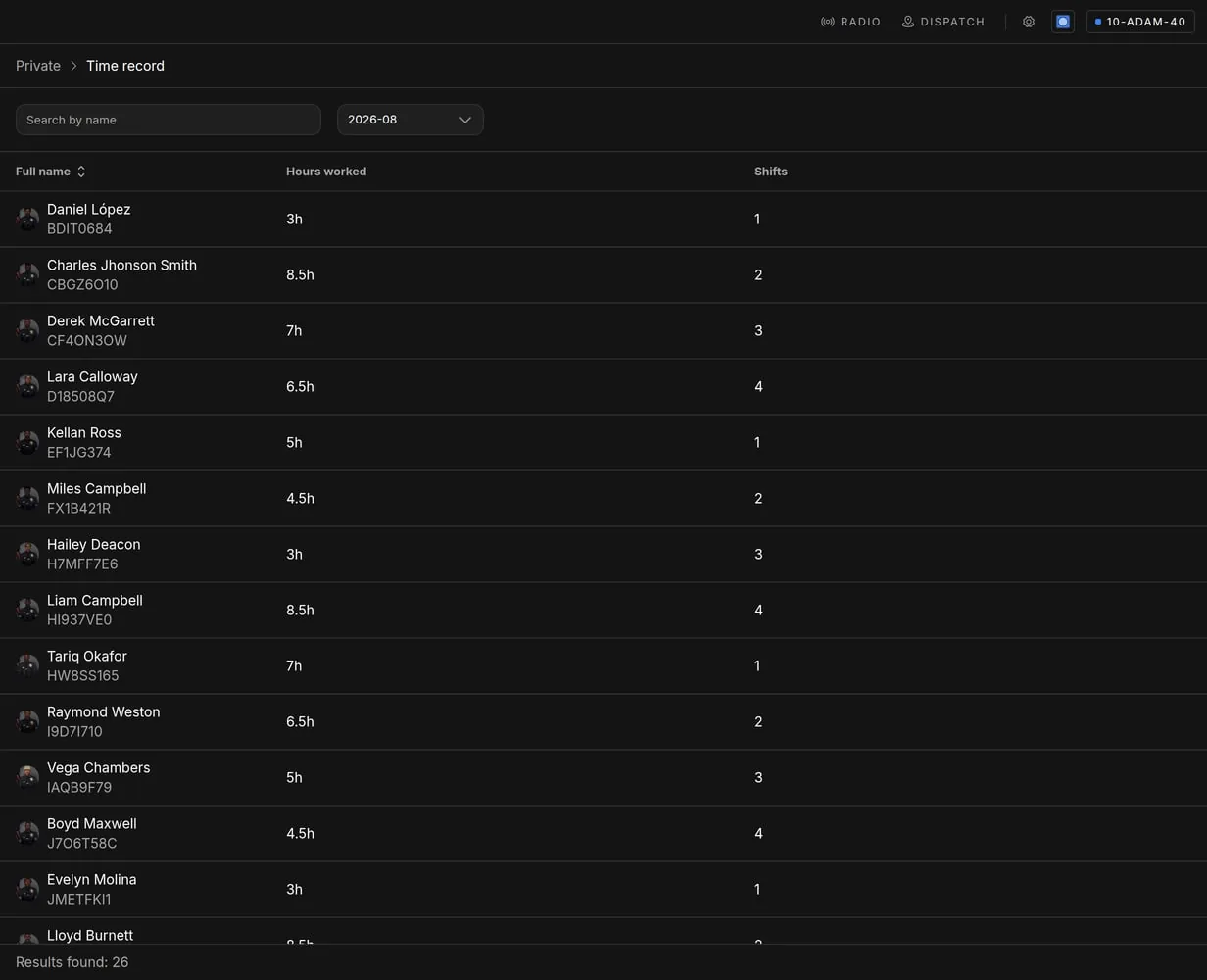
jornada stores every clock-in and clock-out. The Time record section is command-only (timerecord.view).
Officer of the month
Command names one from the dashboard (panel.manage_officer_of_month). One per department, with the spot locked for Config.OfficerOfTheMonth.CooldownDays days (30) and a CorrectionWindowMinutes window (15) to fix a mistake. The officer gets the AwardCode decoration.
Suspension without pay
With suspension, a command officer suspends an officer of their department and lower rank (officers.suspend). While it lasts:
- The tablet is locked: they only see the reason and the time left.
- They can still go on duty and keep radio and dispatch.
It lasts between 1 hour and 30 days, with quick buttons for 6, 12, 24, 48, 72 and 168 hours (Config.Suspension). It expires on its own or can be lifted from the file.
The pay cut (earning at most Config.Suspension.MinPay, 350) cannot be done by the tablet: your framework pays salaries. The tablet publishes the suspension in the policeSuspension statebag; if your qbx_core reads it, the cut applies (Config.Suspension.PayCut = 'auto' detects it). If not, the suspension only locks the tablet, and police-doctor tells you so.
Bodycams and gallery
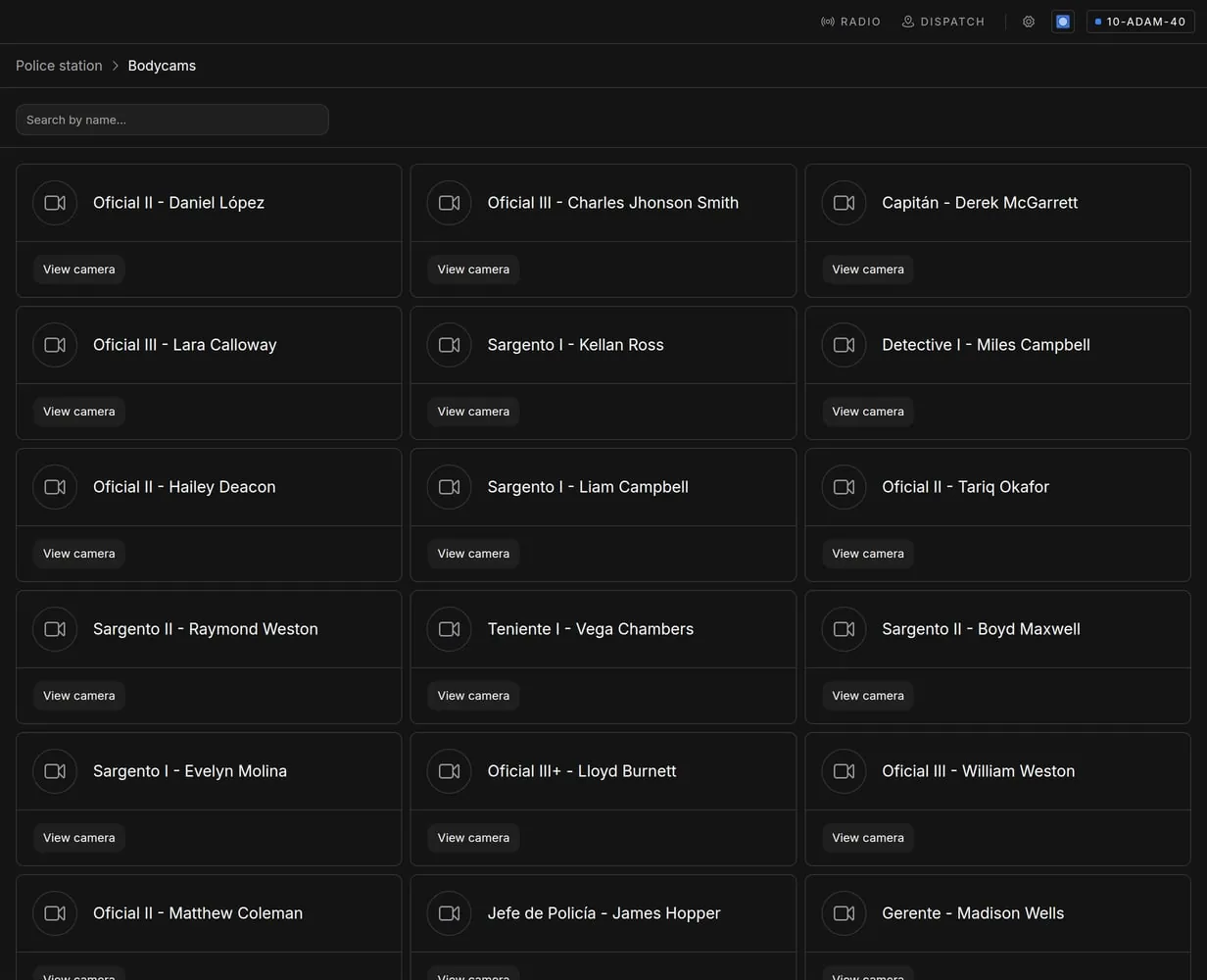
- Bodycams (
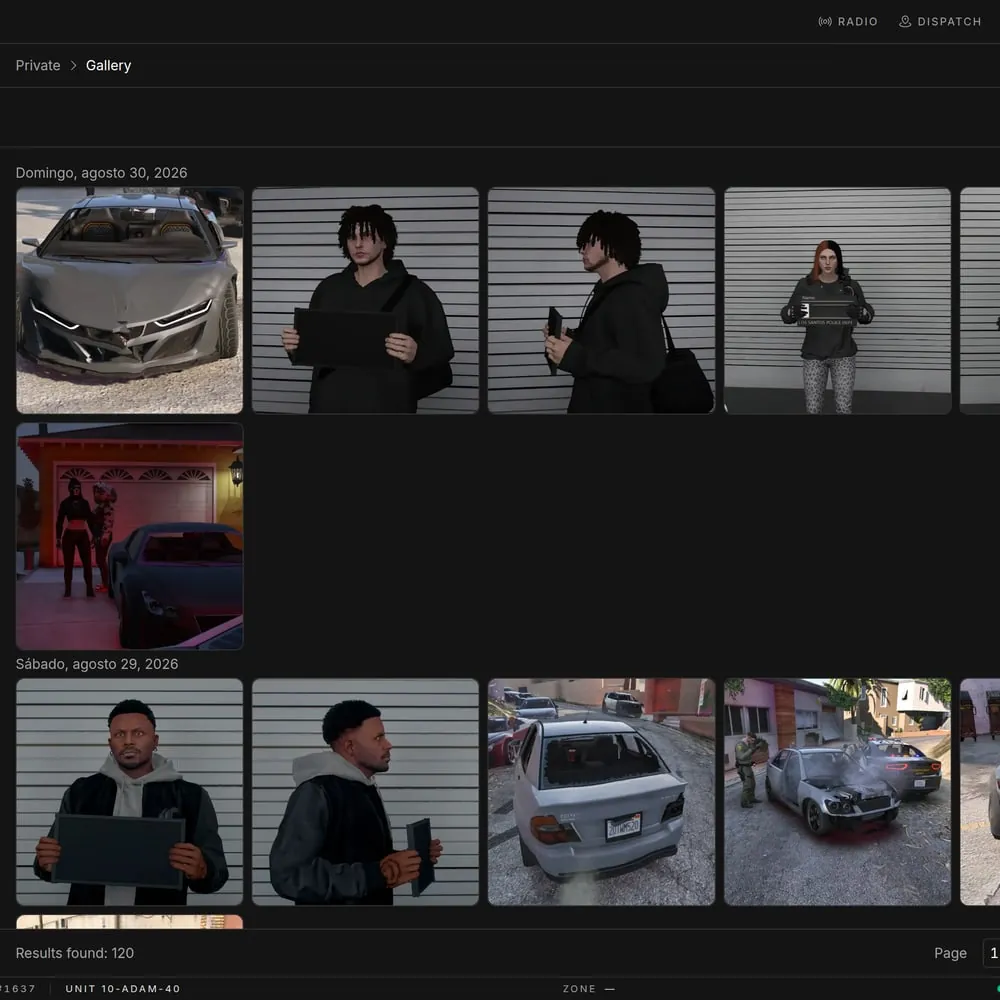
bodycams): watch an on-duty officer's camera live.bodycams.viewto watch,bodycams.requestto request one. - Gallery (
galeria): photos taken from the tablet, sorted by date. It needs the FiveManage key or your own store. See Photos and branding.