
Installation
Install Vanilla Unicorn Enhanced on FiveM: remove other club maps, download it from Keymaster, add it to server.cfg, restart the whole server and update it.
How to install Vanilla Unicorn Enhanced, the new Vanilla Unicorn interior for FiveM, on any server. If you don't have it yet, it's in the store.
Requirements
It doesn't need any other resource or framework. It's tested on game build 3258. After purchase, the map arrives in your Cfx.re Keymaster account as eleven-vanilla-unicorn.
Tip
First time with an escrowed resource? The general guide Install with Keymaster walks you through the download, the server license key and escrow step by step.
Step by step
1. Remove other Vanilla Unicorn maps
If you have another resource that changes the Vanilla Unicorn interior, remove it from server.cfg. Two resources replacing the same files (v_int_19.ytyp, v_19_*.ydr, v_strip3.ybn) clash and only one loads.
2. Copy the resource
Download eleven-vanilla-unicorn from Keymaster and copy the folder into resources.
3. Add it to server.cfg
ensure eleven-vanilla-unicorn
4. Restart the whole server
Warning
Do not start or restart this resource while players are connected. It replaces the game's interior files. Loading it live (restart or ensure, txAdmin, or copying files over it while the server runs) can crash players or leave the interior half loaded. Always install and update with a full server restart.
5. Try it
Walk into the Vanilla Unicorn in Strawberry: you'll see the new neon at the bar and the DJ booth right past the ticket booth.
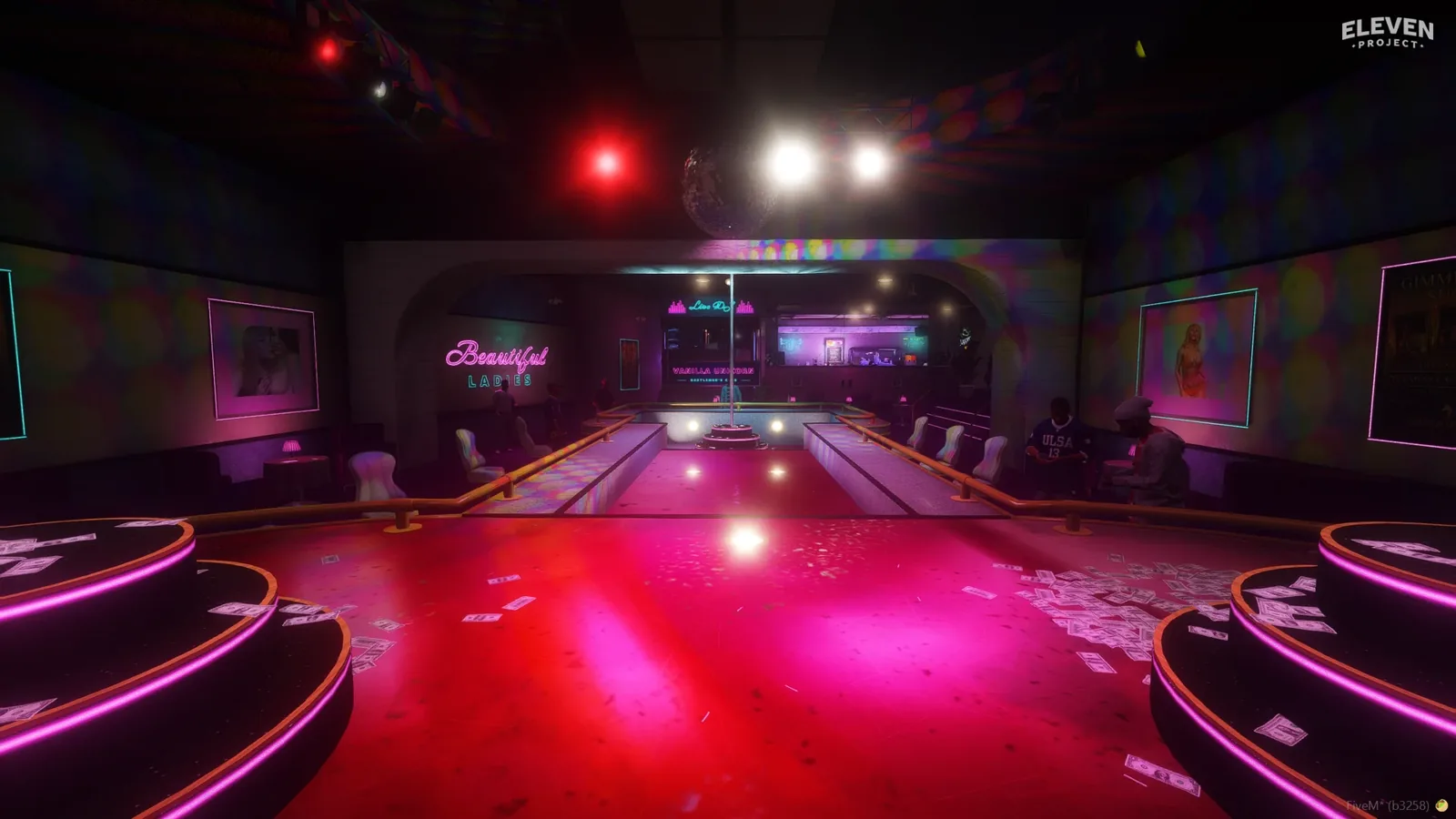
If you still see the original interior or a mix of both, see Troubleshooting. If you run stripper job, bar or target scripts, check Using it with stripper job and bar scripts.
Updating
- Download the new version from Keymaster.
- With the server stopped, replace the folder.
- Start the server.