
Eleven Combustible
Realistic refuelling for FiveM: pay at the pump, take the hose, plug it into the tank and watch it fill.
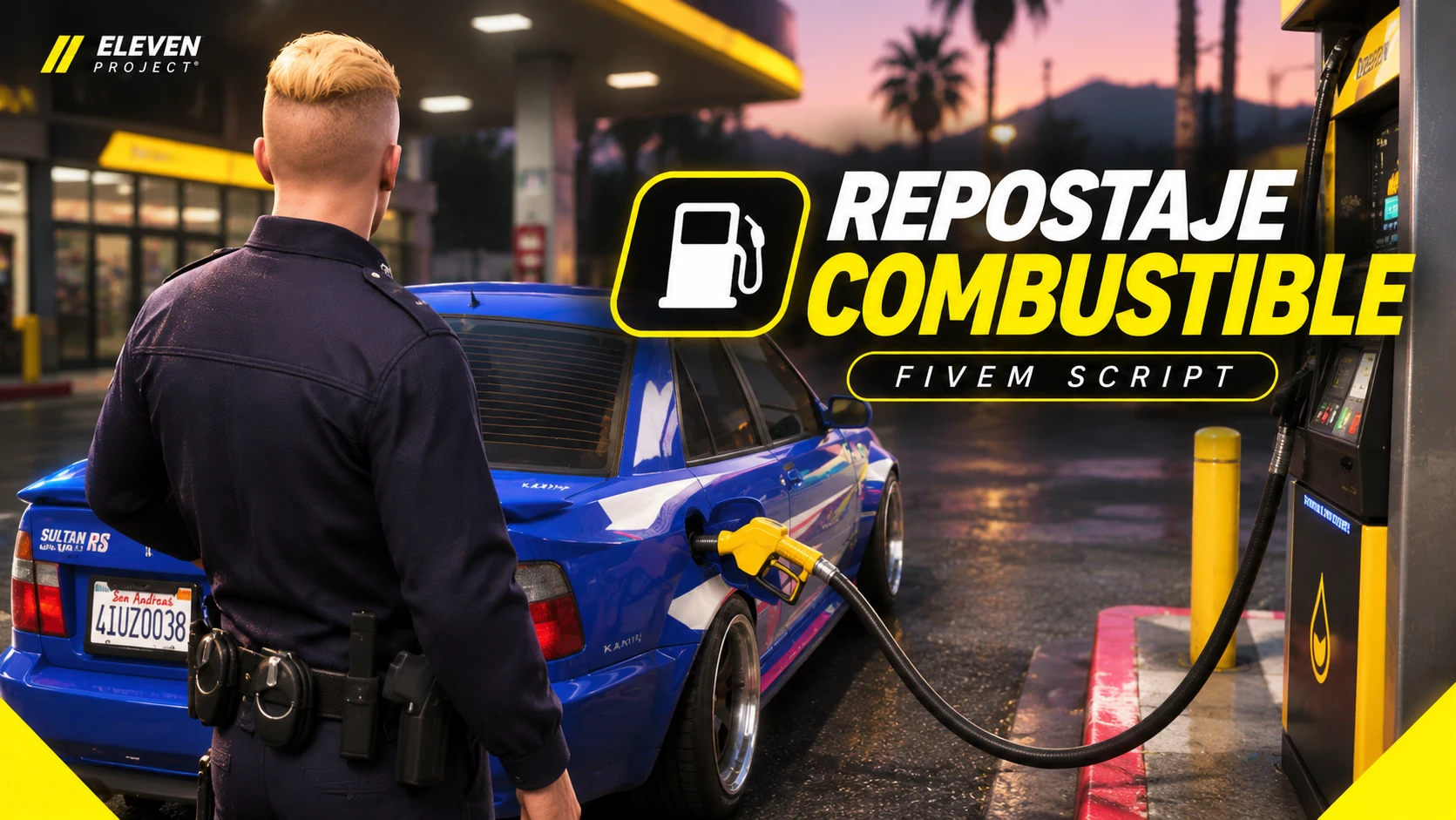
Eleven Combustible is a FiveM fuel script with a real hose. The player pays at the pump, takes the hose, plugs it into the vehicle's filler and watches the level rise. It works with cars, bikes, trucks, helicopters and planes. It's Eleven Project's own resource, written from scratch.
What's included
- Pump screen: pick the fuel, the litres (slider and quick buttons), FULL or an amount, and pay with cash or bank.
- Pay up front: you pay before refuelling. Whatever isn't pumped goes back to the same account.
- A real hose: the line drops from the pump, rests on the ground and rises to the nozzle in your hand.
- The filler: the hose plugs in where the model has its fuel cap. If it has none, on the rear side facing the pump.
- Real-time filling: 0.8 litres per second for cars and 2.5 for aircraft (adjustable).
- Refuel status: the pump screen shows litres and amount live, with a stop button.
- Safe cut-offs: if someone starts the engine, or the vehicle moves or disappears, the refuel stops and the rest is refunded.
- Aircraft: Jet A-1 pumps at helipads and airfields, fixed in the config or placed in game by your admins.
- Wrong fuel: gasoline, diesel and kerosene. Put in the wrong one and the engine loses power and stalls.
- Built-in fuel system with consumption by RPM and class, or a bridge to the one you already have.
- For businesses: prices per station, exports to change them and an event for every sale.
How it works
- Park next to the pump and turn the engine off.
- At the pump, choose Start refuelling.
- Pick fuel, litres and payment, and pay.
- With the hose in your hand, go to the vehicle and choose Plug in hose.
- Wait for it to fill, or stop it from Refuel status.
- Unplug hose and Hang up hose on the pump.
Every step is explained in In-game usage.
Works with ox_fuel, LegacyFuel, cdn-fuel, ps-fuel, lc_fuel and qs-fuelstations
If you already run one of these fuel systems, you don't have to remove it. In bridge mode, your system keeps the level and the consumption, and Eleven Combustible adds the pump, the screen and the hose. If you don't have one, it brings its own fuel system with RPM-based consumption.
How to pick the mode and the start order: see Installation.
Compatibility
| Framework | Tested on Qbox. Includes bridges for QBCore, ESX and standalone (without a framework, refuelling is free) |
| Requirements | ox_lib, OneSync and ox_target or qb-target |
| Fuel | Built-in system or a bridge to ox_fuel, LegacyFuel, cdn-fuel, ps-fuel, lc_fuel or qs-fuelstations |
| Notifications | ox_lib, QBCore or ESX |
| Languages | English and Spanish (you can add more) |
| Code | Encrypted with Cfx.re Keymaster; config.lua and the locales/ translations are editable |
Note
The resource is written and tested on Qbox. The QBCore, ESX, standalone and fuel system bridges are included, but they haven't been tested on a live server yet. If something doesn't work on yours, open a ticket.
Next steps
- Installation: requirements,
server.cfgand bridge mode. - Troubleshooting: the refuel option is missing, there are two, or a HUD throws a
GetFuelerror. - FAQ: questions before buying.
Tip
Missing something? Open a ticket on our Discord. Code changes are requested by ticket.
You can buy it in the store.