
Installation
Install Eleven Christmas on FiveM: download it from Keymaster, add it to server.cfg, restart the server, inventory icons and how to update.
How to install Eleven Christmas, the Christmas prop pack for FiveM, on any server. If you don't have it yet, it's in the store.
Requirements
It needs ox_lib (for the lamppost script) and works with any framework. It is tested on game build 3258. After purchase, the pack shows up in your Cfx.re Keymaster account as eleven-christmas.
Tip
First time with an escrowed resource? The general guide Install with Keymaster walks you through the download, the server license key and escrow.
Step by step
1. Copy the resource
Download eleven-christmas from Keymaster and copy the folder into resources.
2. Add it to server.cfg
After ox_lib:
ensure ox_lib
ensure eleven-christmas
3. Restart the server
Warning
Do not start or restart resources with streamed models while players are connected. Loading them live (restart or ensure, txAdmin, or copying files over a running server) can crash players. Install and update with a server restart.
4. Place the props
Use the model names from the list (or models.txt) in your furniture or decoration script, or in your map.
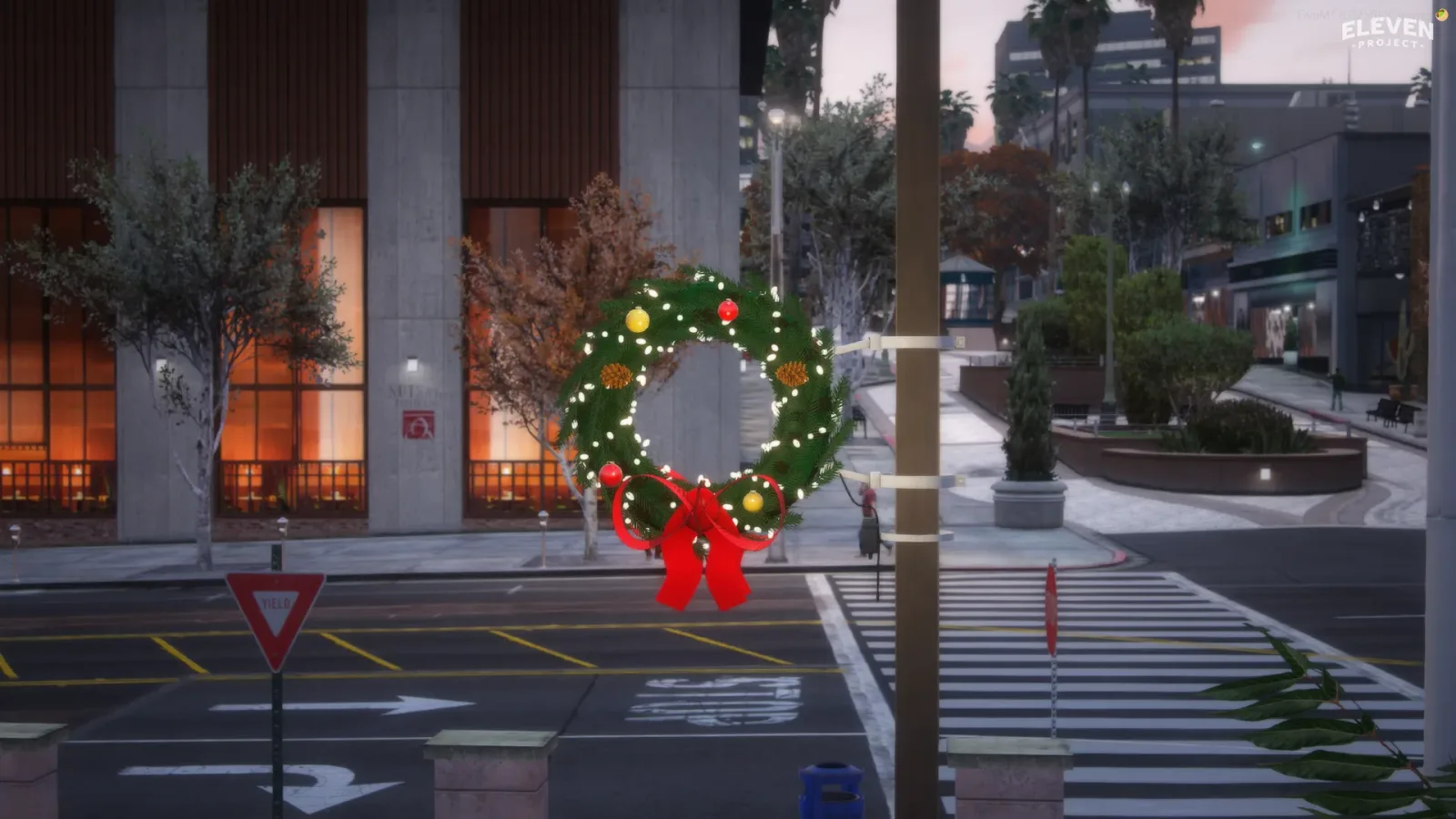
Lamppost decorations show up by themselves as you get close. To change or turn them off, see Lamppost decoration.
5. Icons (optional)
icons/ has a PNG per prop named after its model (xms_tree_big_01.png…). Copy them into your inventory's or furniture catalog's image folder if you need them.
Updating
- Download the new version from Keymaster.
- With the server stopped, replace the folder.
- Start the server.
Keep a copy of your config.lua before replacing the folder and put it back afterwards.